Ange1a · iOS
Capture the moment,remember why it mattered
MemoryShot helps every image on your phone earn its place: shoot with a voice memo, auto-save your address, and organize when you are home. Search and recall later without digging through albums.
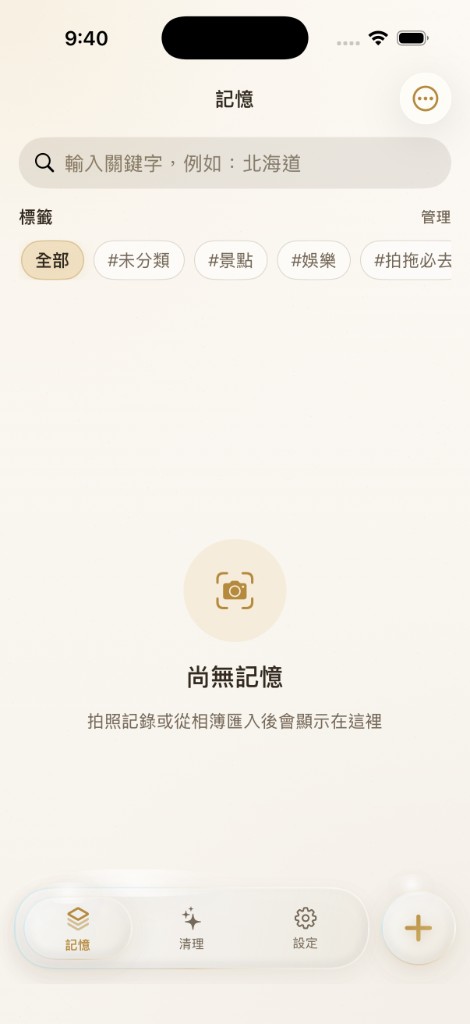
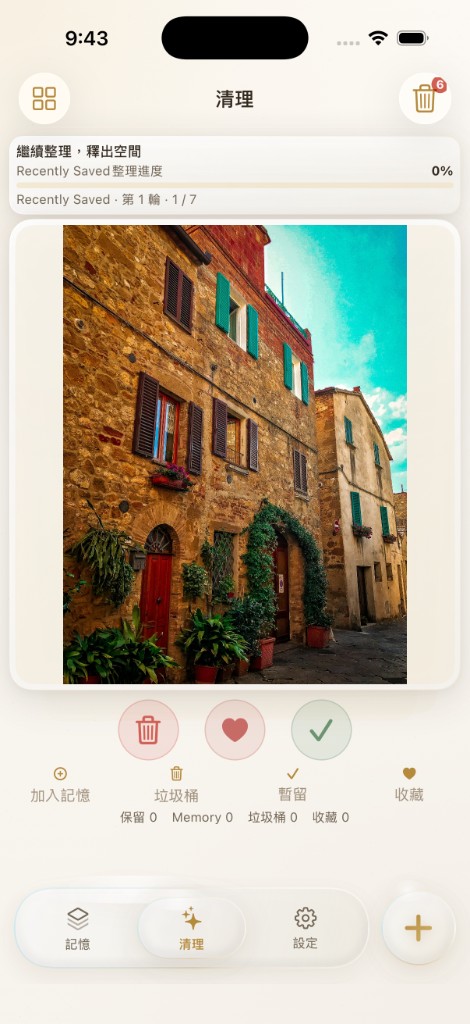

Editorial journal UI with parchment warmth, espresso ink, and brass accents
From capture to recall
You do not have to decide everything in the moment. Record first, organize later, find fast.
01
Capture
Shoot on site, hold to record. On-device speech-to-text, no API token required.
02
Locate
Auto-save where you were. Open in Apple Maps, Google Maps, or Amap from detail view.
03
Organize
Tag later: sights, food, entertainment, and more. Multi-select filters plus custom categories.
04
Find
Search voice transcripts, addresses, and OCR text. Large cards, grid, or compact list.
Memories
Quick capture, full context
Every image keeps the reason you saved it: voice notes, address, tags, and OCR, all searchable.
Photo + voice memo
One-hand friendly with a dominant-hand shutter. Live transcription writes into the same field.
Optional photo import
Record, enter an address, or use current location before OCR and optional AI analysis.
Categories and filters
Built-in tags for travel, food, and fun. Add custom categories, reorder, and filter with OR logic.
Detail map
Mini map when coordinates or an address exist. Pick a default map app or switch per memory.
Cleanup
Swipe through, decide fast
Built for unfavorited screenshots: swipe left to trash, right to keep, heart to favorite. Zero tokens, PhotoKit only.
01
Trash supports restore or permanent delete
02
Progress encouragement keeps momentum
03
Favorites leave the cleanup queue
Zero tokens · on-device
Widget
Home Screen widget
Add the Quick Capture widget to open the camera and start a new memory in one tap. Small, medium, and large sizes.
Design
Editorial journal aesthetic
Parchment atmosphere, espresso typography, brass gold accents, and refined glass cards. Quiet chrome, loud memories.
Product · iOS App
MemoryShot
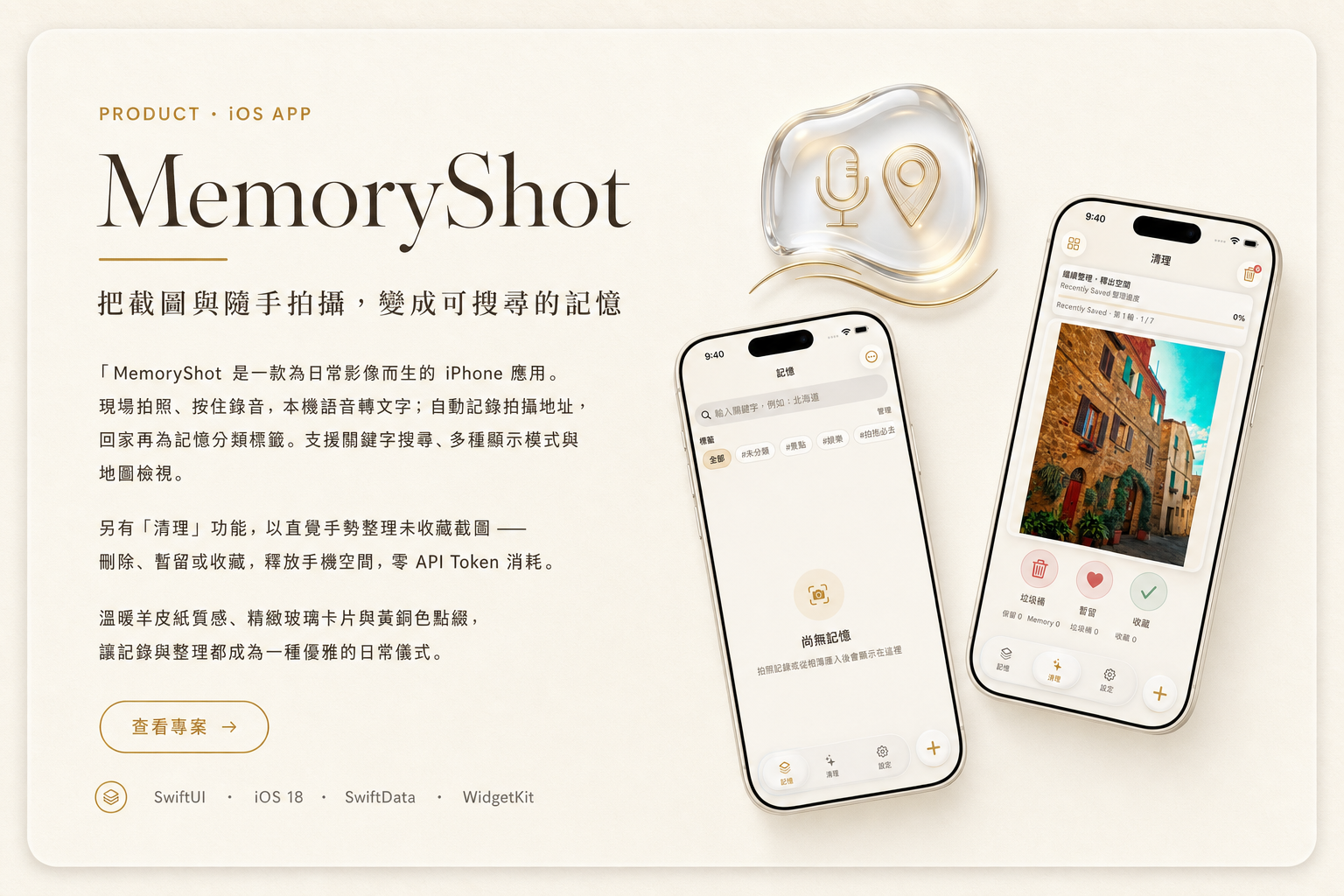
Turn screenshots and casual photos into searchable memories
MemoryShot is an iPhone app built for everyday images. Shoot on site, hold to record with on-device speech-to-text; auto-save your address, then tag and organize when you are home. Keyword search, multiple display modes, and map views included.
The Cleanup flow uses intuitive gestures on unfavorited screenshots — delete, keep, or favorite — to free storage with zero API token cost.
Warm parchment surfaces, refined glass cards, and brass accents make capturing and organizing feel like a calm daily ritual.
SwiftUI · iOS 18 · SwiftData · WidgetKit
Local-first, privacy-forward
MemoryShot only requests permissions needed for core features. Photos, voice notes, and memories stay on your device by default — nothing is uploaded to our servers automatically.
MemoryShot is now available on the App Store.